Nulls Brawl Device Compatibility Guide
Nulls Brawl runs on more than just Android phones, but each platform follows different install rules. This guide breaks down what works, what needs extra steps, and where players hit the most friction.
For install steps on your main device, start with our download page or the dedicated iOS guide if you use iPhone.
Android Phones and Tablets
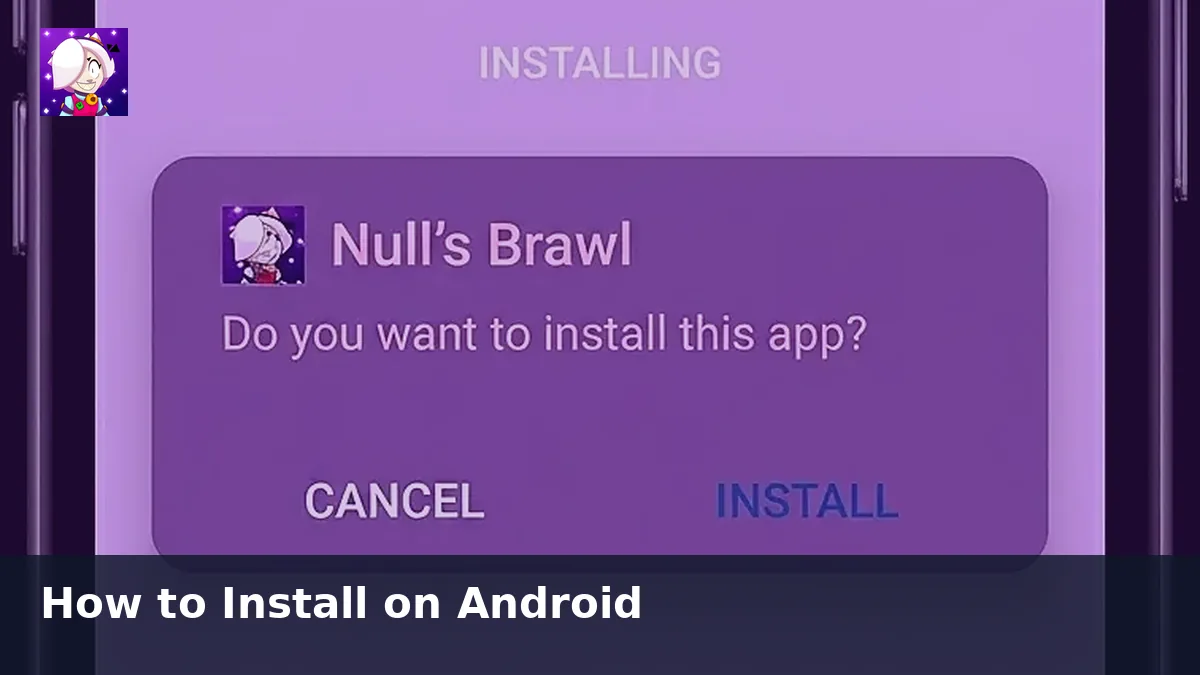
Android 5.0 and above supports Nulls Brawl. Most phones from the last several years handle the 1.1 GB APK without trouble. Devices with 3 GB of RAM or more give smoother multiplayer sessions.
Tablets use the same APK and install flow as phones. The larger screen works well for 3v3 and 5v5 modes where map awareness matters.
iPhone and iPad
Nulls Brawl is not on the App Store. iOS users rely on sideload methods with an IPA file and device trust settings. Expect more steps and plan to reinstall after major updates.
Read our iOS and iPhone page for current expectations before you try an install on Apple devices.
PC Through Emulators
Windows and Mac users run Nulls Brawl inside Android emulators like LDPlayer or BlueStacks. You install the same APK inside the virtual device and map keyboard controls for movement and abilities.
Your PC needs enough RAM and CPU headroom for both the emulator and a 3D multiplayer game. Enable hardware virtualization in BIOS for the best frame rates. Our PC guide covers setup details.
Running Both Nulls Brawl and Official Brawl Stars
You can keep official Brawl Stars and Nulls Brawl on one device. They use separate servers and accounts, so progress in one app never affects the other.
Final Thoughts
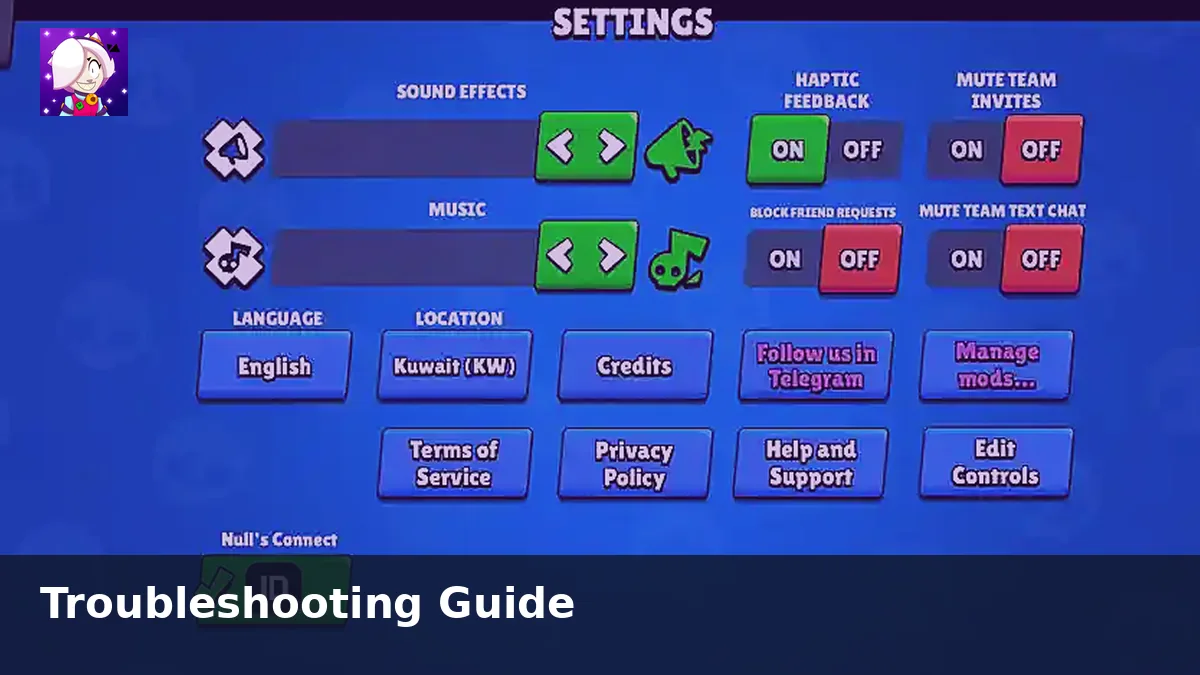
Android remains the simplest path. iOS and PC work with extra setup, but the same v67.264 file and Nulls Connect account rules apply once you get the game running.