Best Ways to Use Nulls Brawl on Android
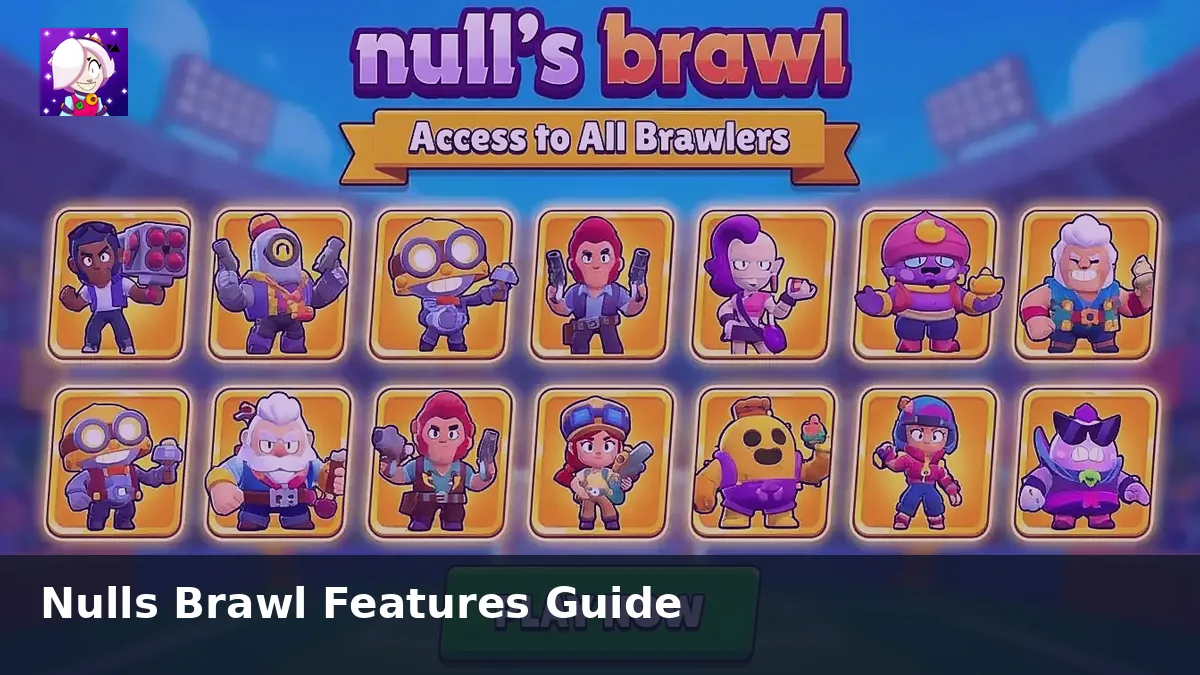
Nulls Brawl gives you every brawler and unlimited resources from the first session. That freedom is fun, but a few habits help you get more value from the private server without wasting time on fixable mistakes.
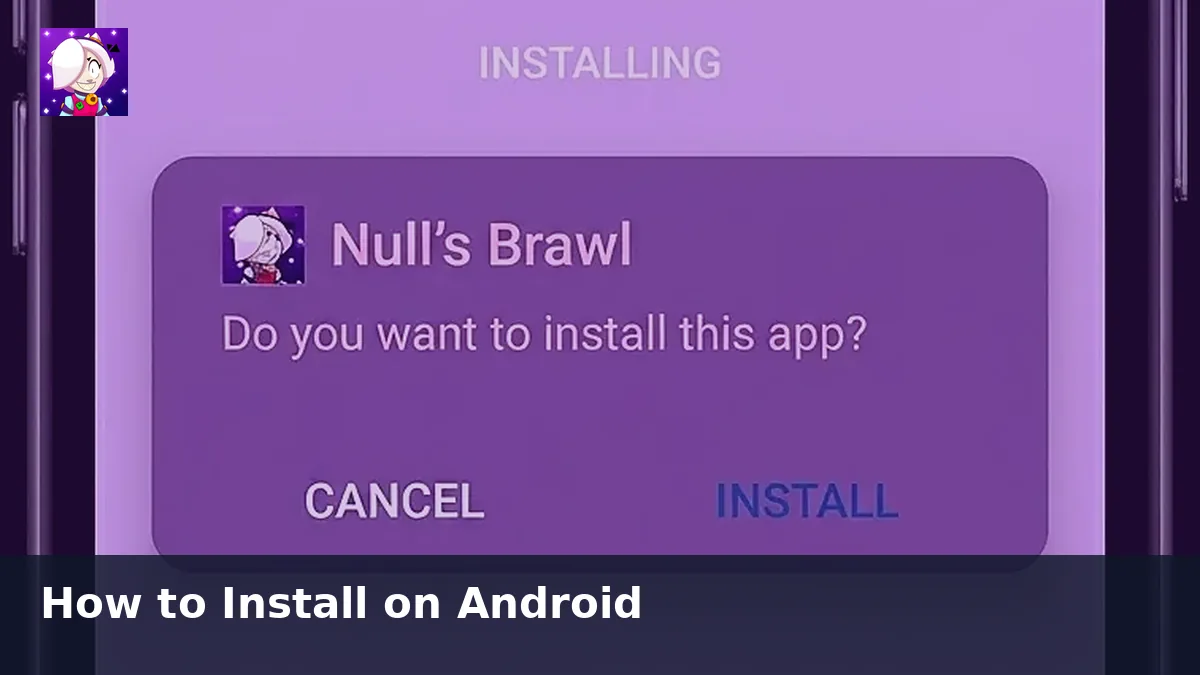
If you have not installed yet, grab the latest build from our download page and link Nulls Connect before you dive into matches.
Link Nulls Connect First
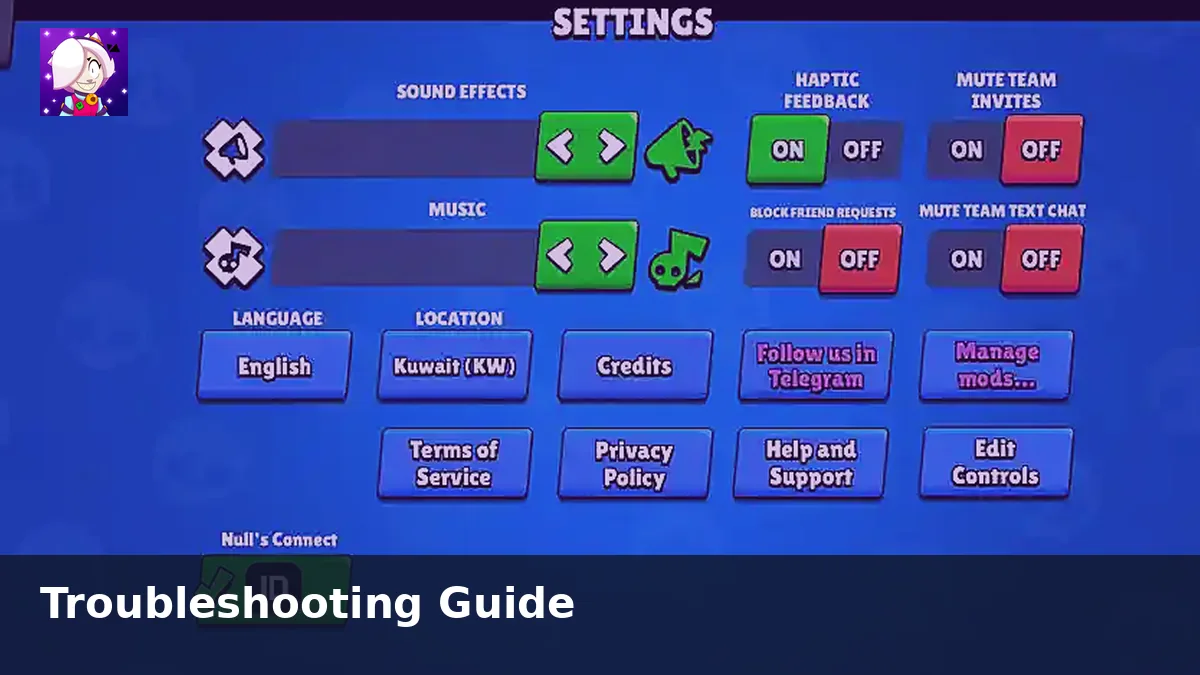
Treat Nulls Connect like a backup for your private server account. Link it during your first session so reinstalls, phone swaps, and update glitches do not erase your layout and progress.
Test Brawlers Before Ranked Sessions
Use friendly battles to try new picks like Damian, Starr Nova, and Bolt at full power. Learn attack ranges, super timing, and team synergies without the pressure of public matchmaking.
Use Friendly Battles for Custom Rules
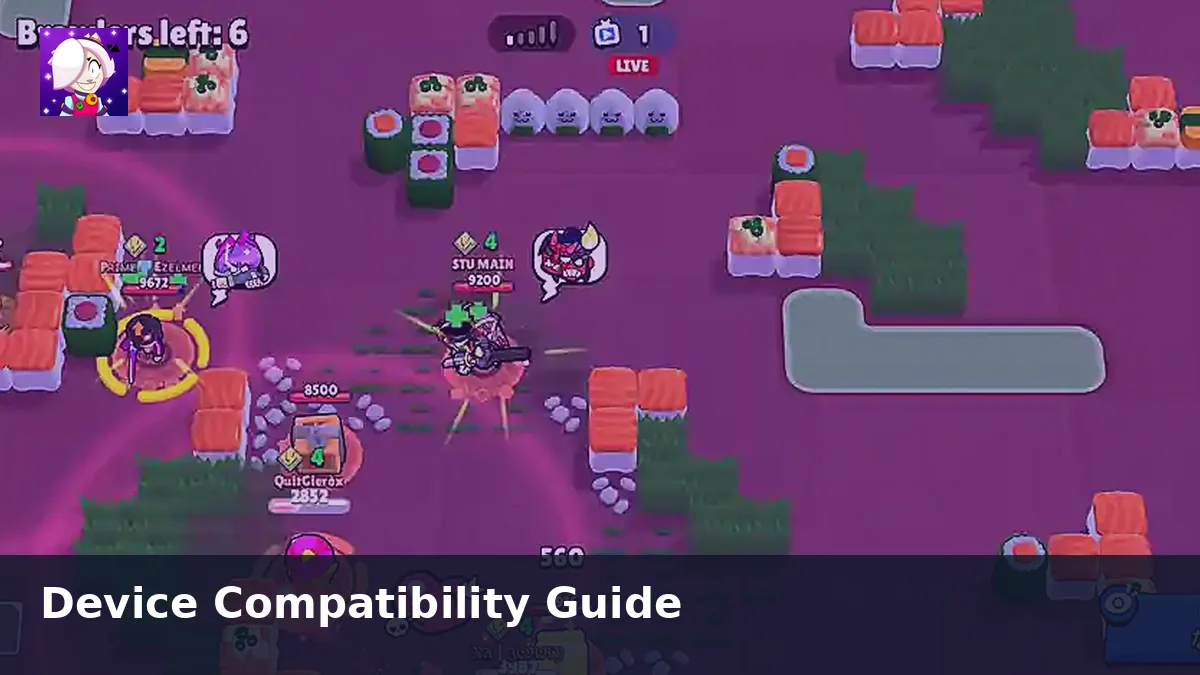
Custom lobbies support modified rules and mini game setups with friends. That is one of the fastest ways to explore content that would take weeks to unlock on the official app.
Keep the APK Updated
Install new builds as soon as they appear on getnullsbrawl.com. Updated clients match server content and avoid missing brawlers, broken modes, or login errors after a patch.
Play Alongside Official Brawl Stars
Many users keep both apps on one phone. Use official Brawl Stars for ranked progression and Nulls Brawl for unlimited testing and casual play. The accounts stay separate, so you switch between them freely.
Final Thoughts
Nulls Brawl works best when you treat it as a sandbox for brawlers and modes. Link your account, stay on the latest version, and use friendly battles to learn faster.